BandwagonHost Guide
First-time SSH login on your own VPS: Verify host address, port, and connection.
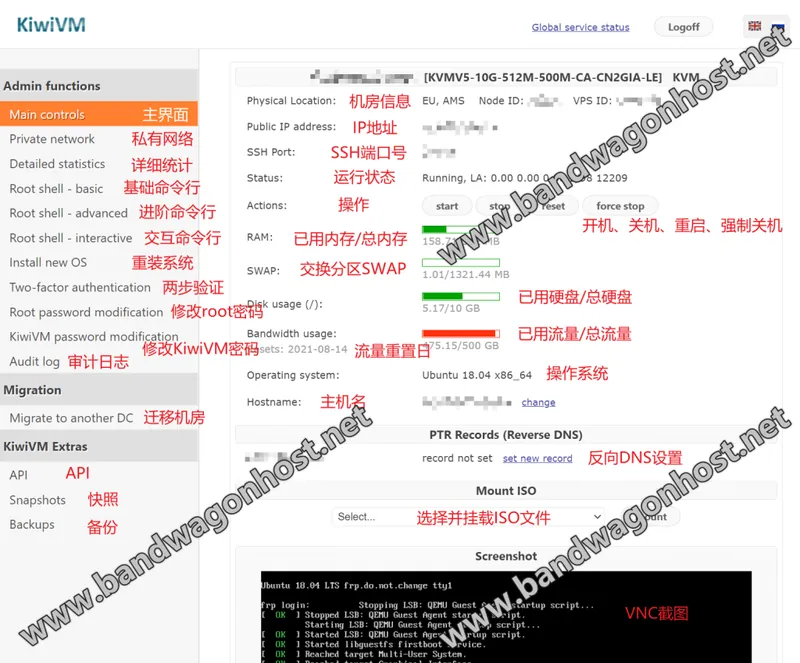
Read your host address and SSH port from the instance control panel, and verify the host identifier before the first connection.
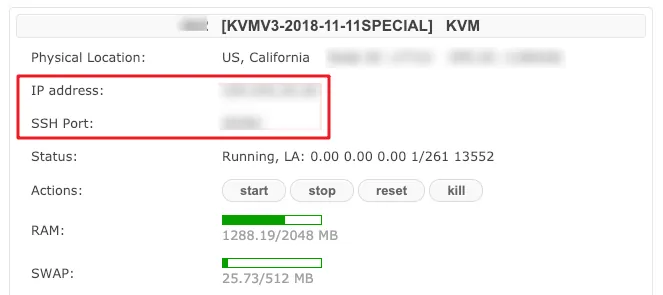
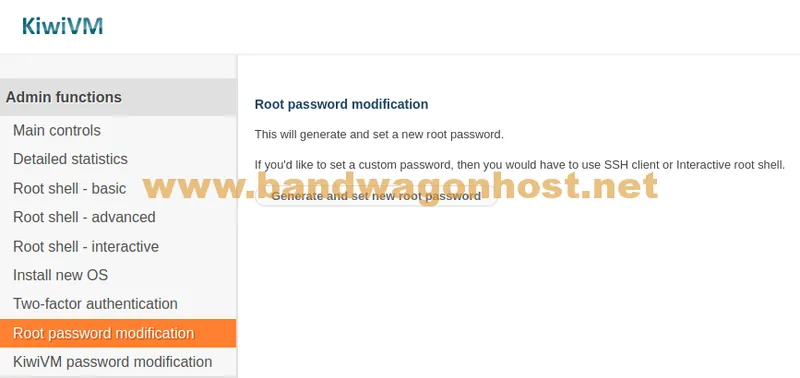
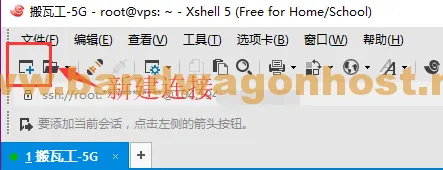
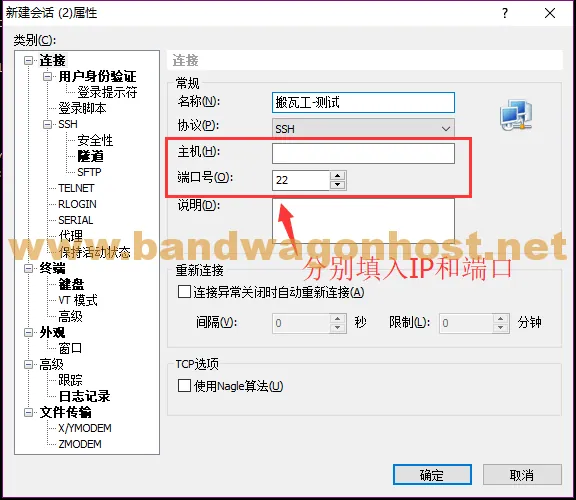
Open the management panel for the corresponding VPS in your account and note the instance address and actual SSH port. The port may not be the default value. Please keep your login credentials only on your own device; do not include your private key or initial password when submitting inquiries.
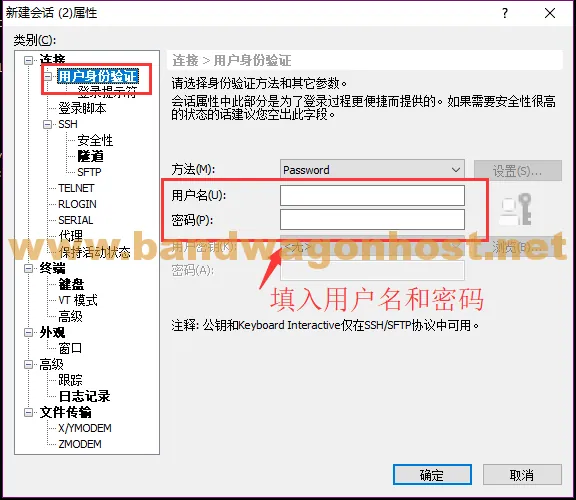
For Windows, an SSH client can be used; for macOS and Linux, a terminal can be used to connect. In the client, enter the username, server address, and port provided in the control panel, and select the authentication method consistent with the instance configuration.
Upon first login, check the server fingerprint; if it differs from expectations, verify it through the management panel. Connection timeout and authentication failure are two different scenarios. For the former, first confirm whether the address, port, and instance are running; for the latter, then verify the username and key.