BandwagonHost Guide
Test IP, SpeedTest, and Looking Glass: How to Read Data Center Data
Test IPs, downloaded files, and publicly available testing tools to observe different metrics. Selecting the corresponding data center and test direction is the first step in comparing the results.

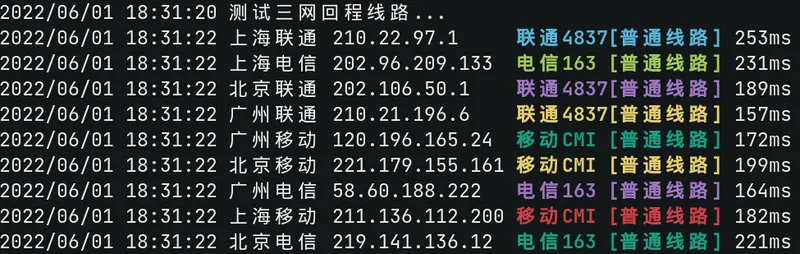
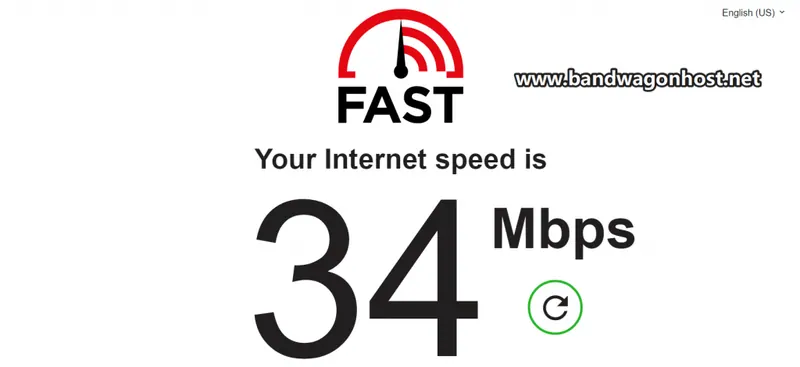
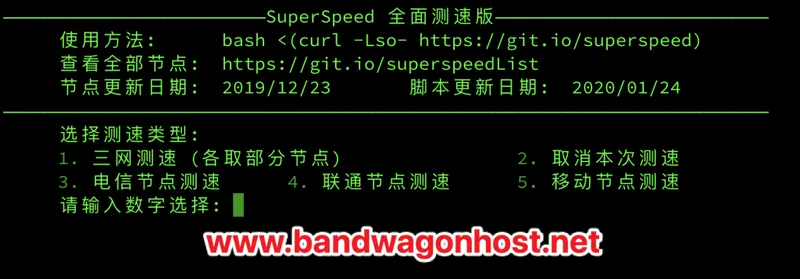
First, verify the server room number of the test entry point. The test IP is mainly used to observe the connectivity and round-trip time of the node; the downloaded file reflects the actual transmission speed from the server to the currently accessed network; SpeedTest provides throughput information at the time of the test.
The looking glass is positioned on one side of the server room. The outbound route measured from home may differ from the return route observed from the server room, and even within the same carrier, variations can occur depending on the region. Do not judge the quality of the entire line based on a single routing node or a single test.
Only publicly available test addresses and test files are used. When making comparisons, the start and end times, devices, and access operators are recorded, and the test results are matched one by one with the data centers allowed on the purchase page.