BandwagonHost Guide
VPS Master IP Change: Instance Selection, Fee and DNS Verification
Before changing your service IP address, verify the instance and billing information. After completion, synchronously check domain name resolution, allowed lists, and monitoring.

The historical tutorials document the changes in free and paid replacement methods. When actually processing your application, refer to the eligibility, fees, and processing status listed for your current account for that specific example; do not extrapolate the number of free replacements based on articles from different years.
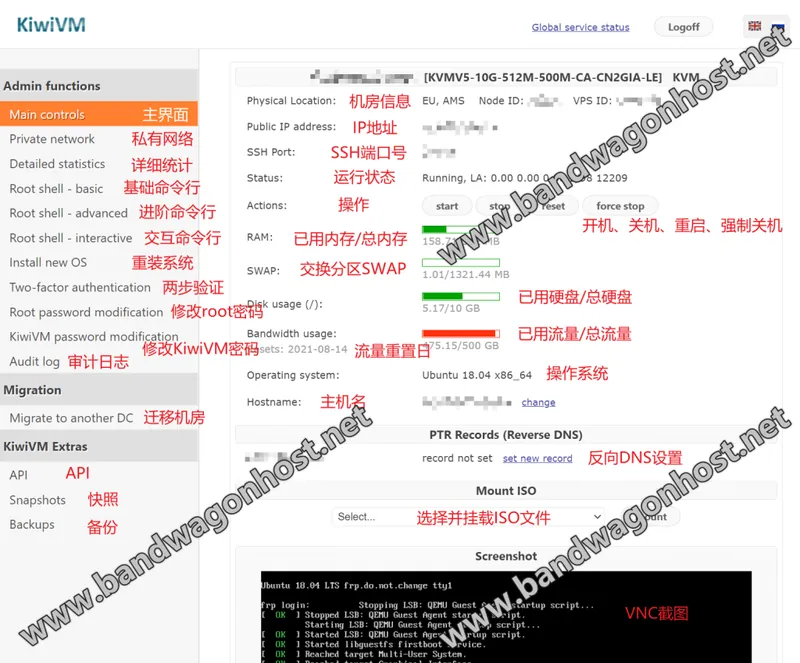
Before applying, verify the service number and old address to confirm that the operation is for the target instance. For paid items, check the generated invoice and keep a record of the processing after submission; the processing time should be based on the instructions from the supporting channel for that particular transaction.
After the address change is completed, check whether the domain name resolution, service permission list, and monitoring targets still point to the old address. Once the new address takes effect, access will be possible through the network authentication service used by visitors.