BandwagonHost Guide
Guides
SpeedTest and Looking Glass Guide: Understanding Uplink, Downlink, and Routing
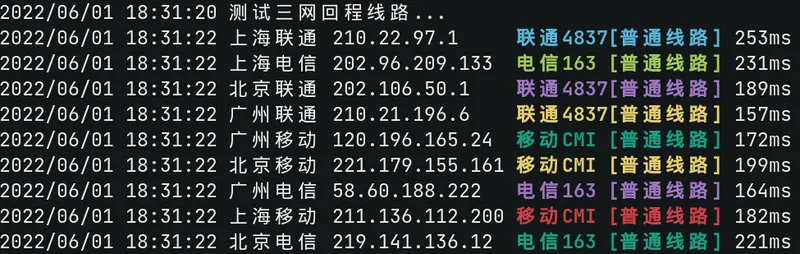
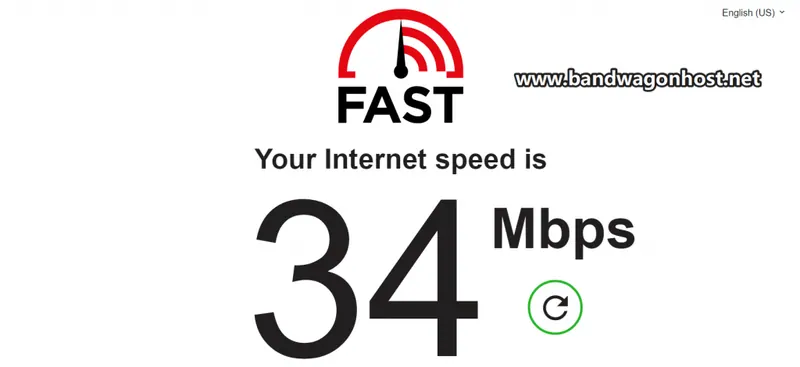
The public demo page offers different perspectives such as throughput, latency, and routing. First, select the entry point by data center.
Check the current price and offers before orderingView provider pricing
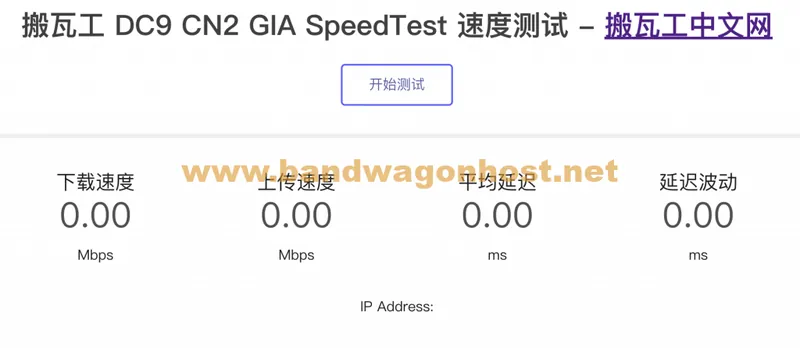
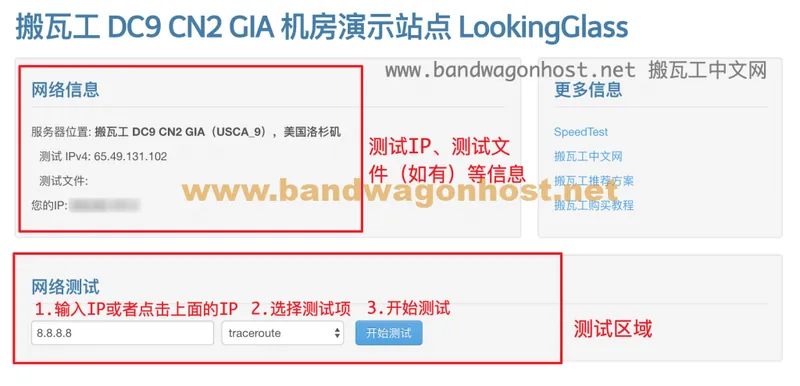
The SpeedTest page displays upload, download, and latency fluctuations; Looking Glass, on the other hand, displays routing information for a specified destination from the data center side. The two observe different locations and measure different metrics.
When comparing different options, first check if the target data center provides a public access point, then select a test endpoint that is close to your ISP. Save the test time and direction to avoid mixing data center-side return trips with local outbound trips in the same conclusion.