BandwagonHost Guide
BandwagonHost Data Center Comparison: How to View Latency, Packet Loss, and Download Speed Simultaneously
Measure latency and download speeds from actual visitor networks, comparing them over the same time period. Test address, line, and time should be recorded along with the results.


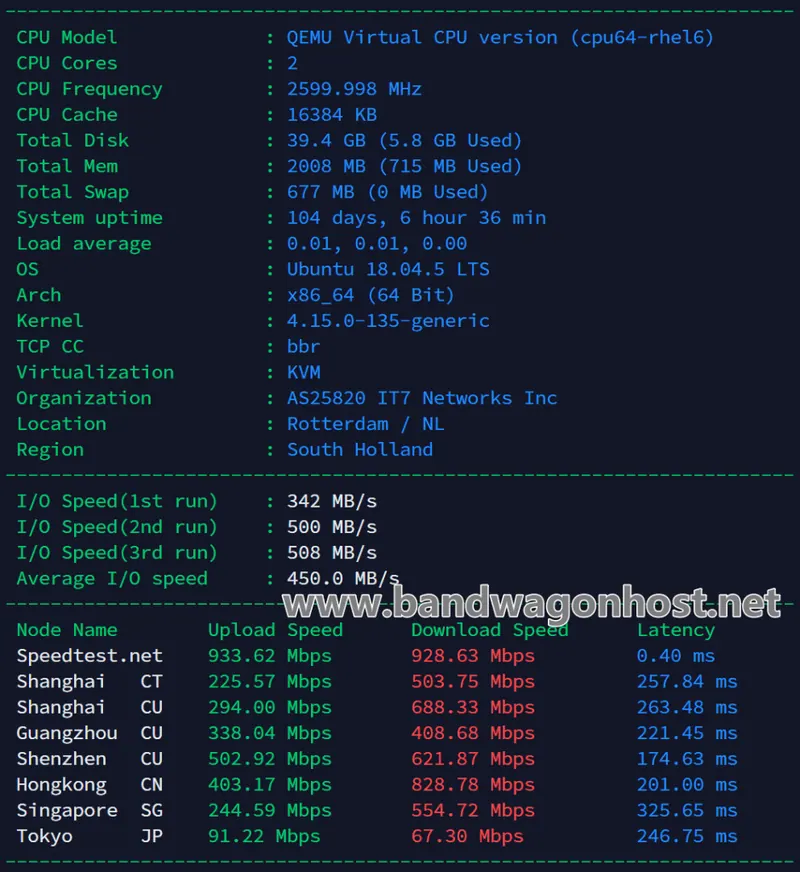
First, confirm which data centers are allowed by the package, then select the corresponding public test address. Sample multiple times on the same network, recording round-trip latency and packet loss. A low latency in a single test only indicates that the round-trip path was shorter at that specific point in time.
For data centers that provide test files, download them separately using the same device, recording file size, download time, and average speed. For data centers without test files, this data should be left blank. Separating peak and off-peak records is crucial to identifying differences in usage times.
Web page interactions and large file downloads have different focuses; the former is more concerned with request-response, while the latter is more affected by continuous throughput. When comparing data, the carrier, data plan, and budget should all be recorded. Measurements from different locations should not be directly ranked into a uniform data center ranking.