control Panel
Where are my purchased VPSs: Customer Area, Service List, and KiwiVM's Functions
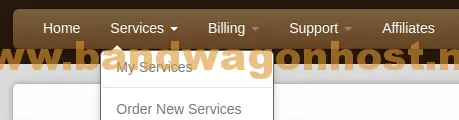
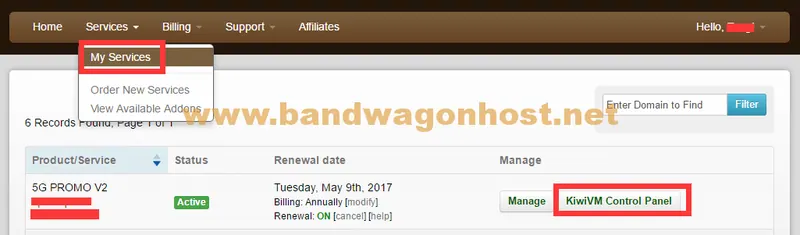
In the My Services section of the customer area, you can view the services you have purchased by instance.
 BandwagonHost Guide
In the My Services section of the customer area, you can view the services you have purchased by instance.
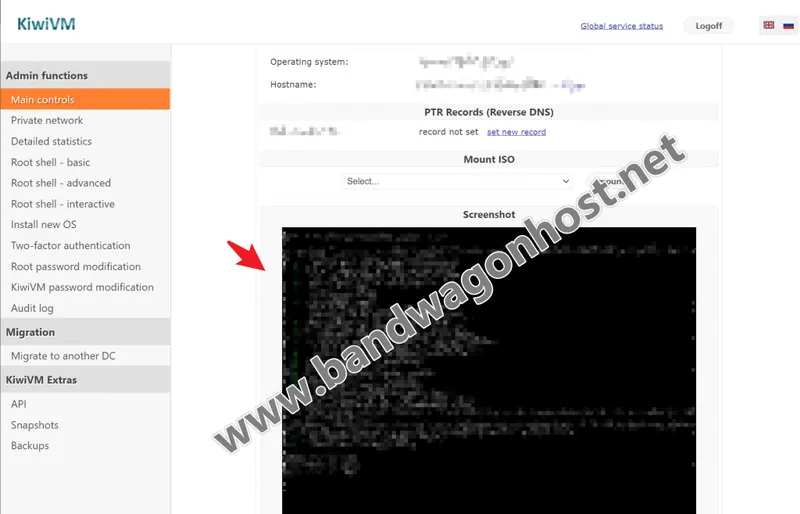
The screenshot shows the VNC screen of the virtual machine at that time, not a screenshot of the website visit.
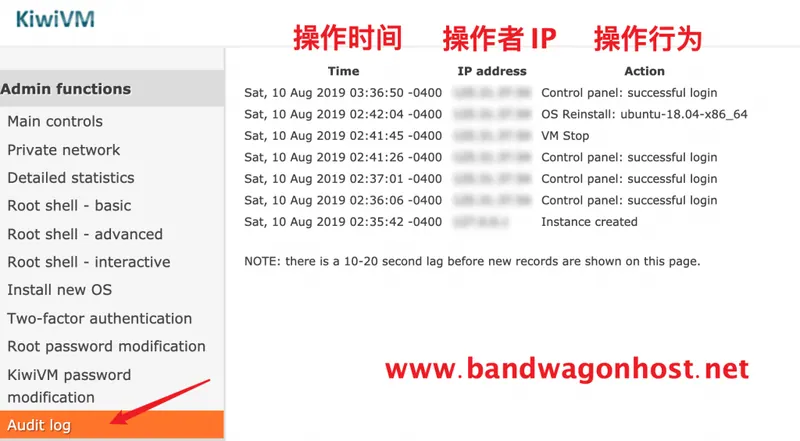
Audit Log provides a record of panel operations.
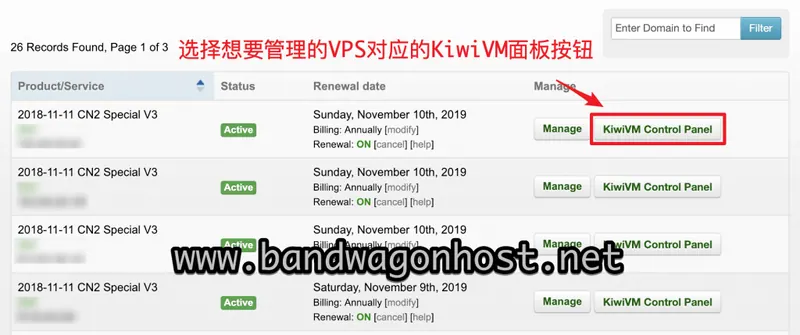
The legacy client area provided a separate KiwiVM Control Panel button for each VPS.
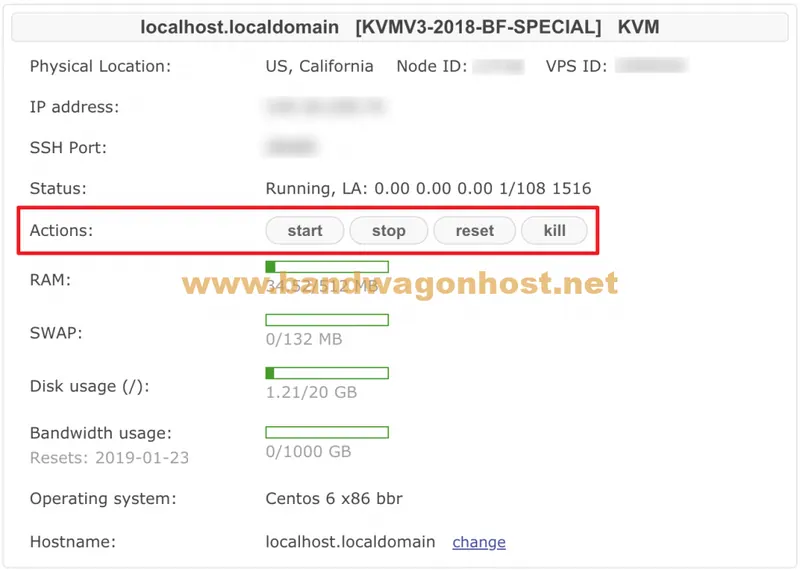
Start is used to power on the instance, Stop is for normal shutdown, and Reset will restart the instance.
The source demonstrates selecting a service from the customer area and then choosing the Linux system on KiwiVM's Install new OS page.
The old migration tutorial recorded that the control panel would prompt that the instance IP would change before confirming the target data center.