control Panel
Where are my purchased VPSs: Customer Area, Service List, and KiwiVM's Functions
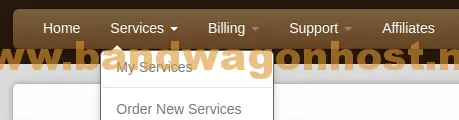
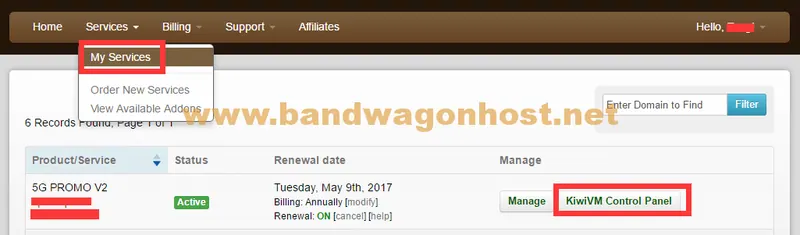
In the My Services section of the customer area, you can view the services you have purchased by instance.
 BandwagonHost Guide
In the My Services section of the customer area, you can view the services you have purchased by instance.
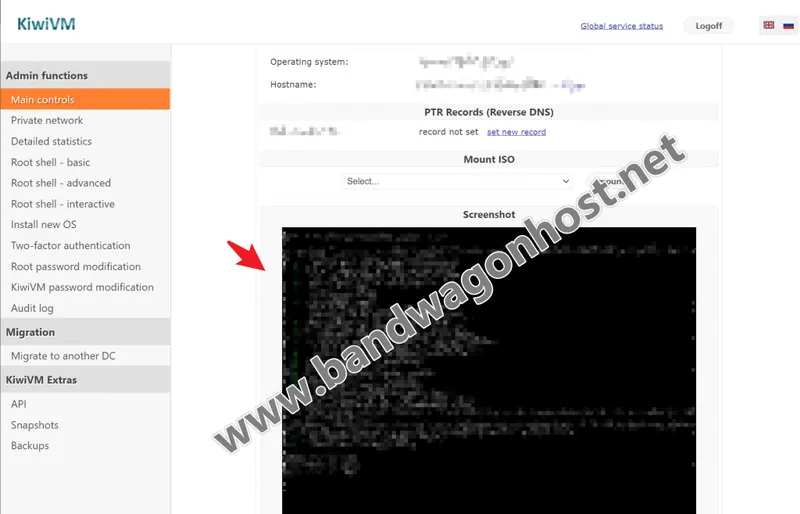
The screenshot shows the VNC screen of the virtual machine at that time, not a screenshot of the website visit.
Built-in templates are suitable for systems provided by the panel, while mounting ISOs gives the operator more installation options.
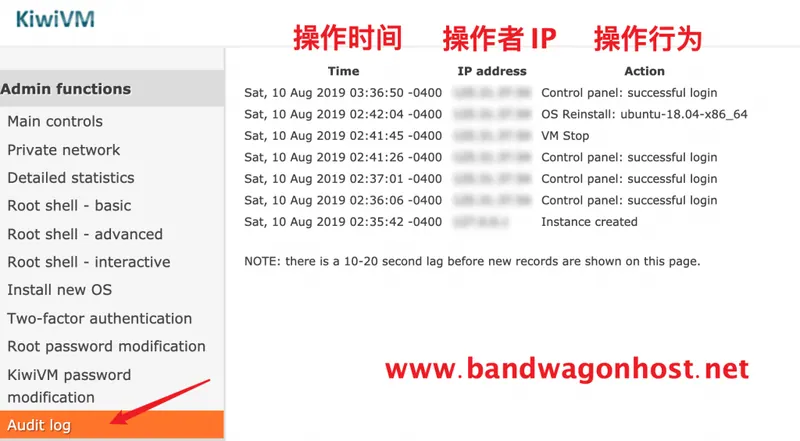
Audit Log provides a record of panel operations.
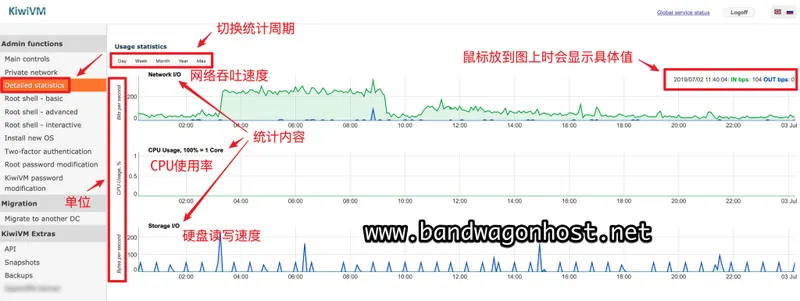
Detailed Statistics allows you to track the time of usage changes, making it suitable for comparison with application logs.
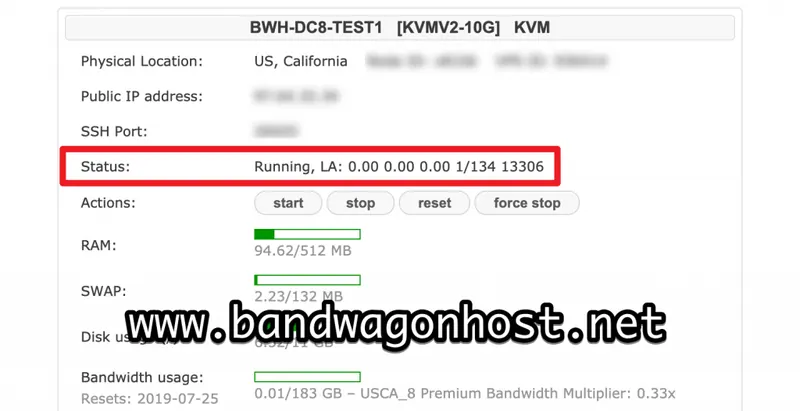
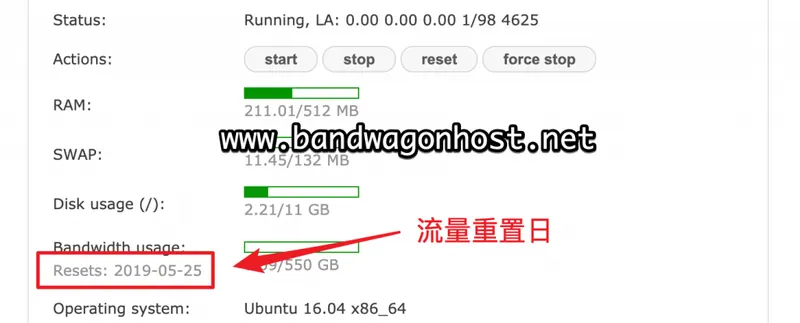
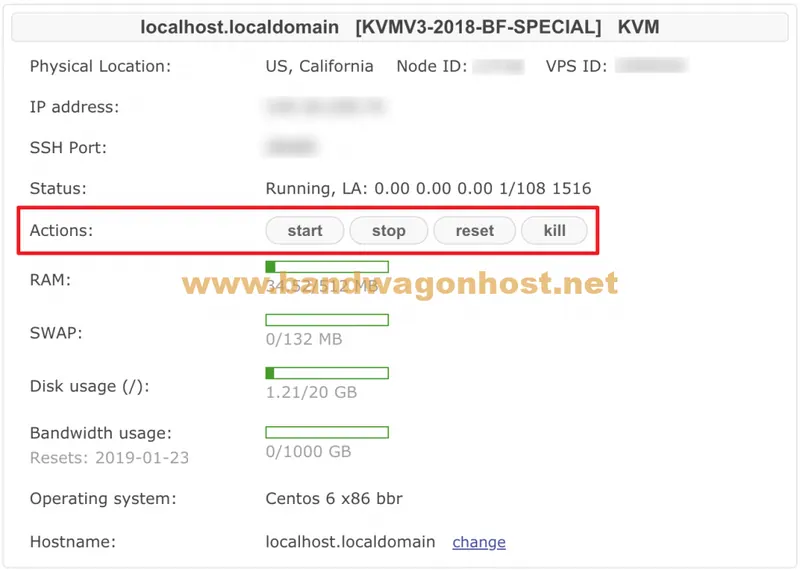
The 2019 panel description explains the three LA values that follow Running.
The KiwiVM notification recorded in 2019 listed the reason for the suspension as the instance exceeding the monthly transmission quota, and indicated that the counter would be reset in the next traffic cycle.
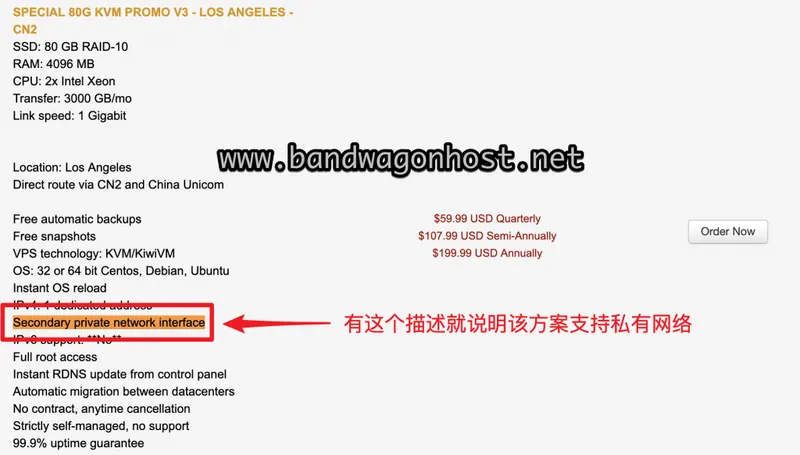
The April 2019 feature update renamed the private network interface to Secondary Private Network Interface.
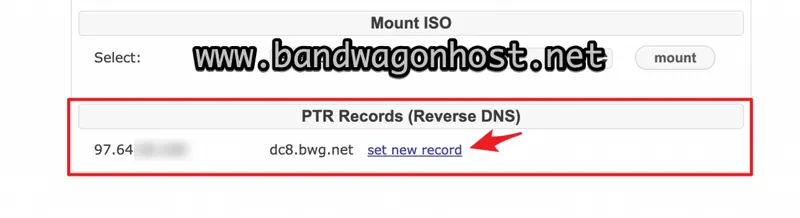
PTR is used to find the hostname from the IP address; the forward resolution of the domain name itself still needs to be maintained separately.
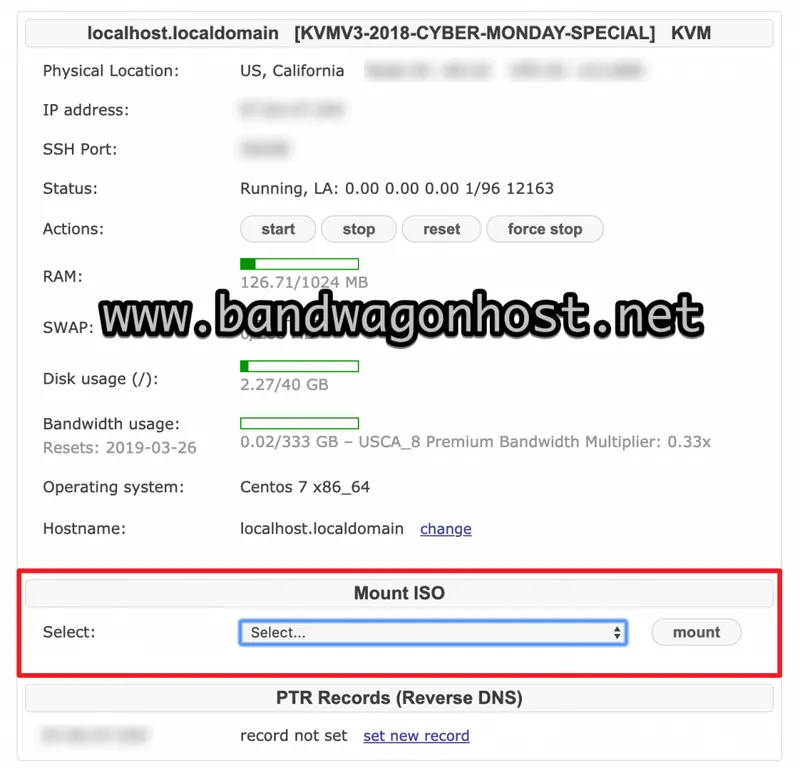
In the interface documentation from March 2019, Mount ISO provided mountable image directories.
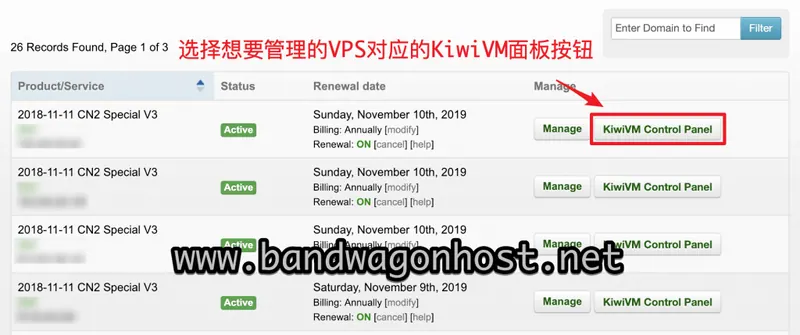
The legacy client area provided a separate KiwiVM Control Panel button for each VPS.
Start is used to power on the instance, Stop is for normal shutdown, and Reset will restart the instance.
The 734104 error message recorded in 2018 indicates that the selected target data center does not currently have capacity available for migration, and the page suggests trying again in a few hours.
The source demonstrates selecting a service from the customer area and then choosing the Linux system on KiwiVM's Install new OS page.
The old migration tutorial recorded that the control panel would prompt that the instance IP would change before confirming the target data center.